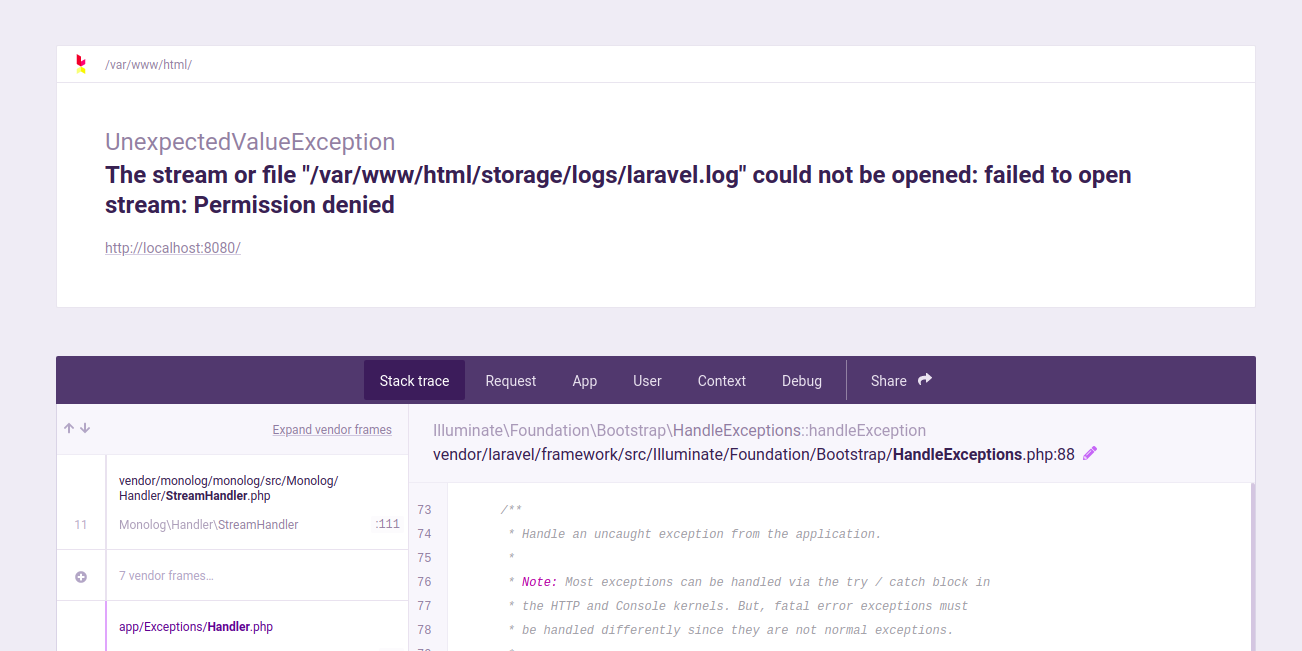
The error you’re encountering suggests that Laravel is unable to write to the laravel.log file due to permission issues. This is a common issue when the web server does not have the proper permissions to write to the log file or directory.
To resolve this, you can adjust the permissions for the storage directory and its subdirectories. Here are some steps you can follow:
-
Set the Correct Ownership:
Ensure that the web server user (e.g.,www-datafor Apache on Debian-based systems orapachefor CentOS/RHEL) has ownership of thestoragedirectory and its contents.Adjust
www-datato the appropriate user for your web server. -
Set Proper Permissions:
Ensure that thestoragedirectory and its files are writable by the web server.If you are still encountering issues, you might need to set more permissive permissions:
Be cautious with
777permissions as it gives write access to all users, which might not be secure for production environments. -
Check Directory Permissions:
Ensure that the parent directories ofstoragealso have the correct permissions. Sometimes, issues might be due to permissions set on the parent directories. -
Restart the Web Server:
After making changes to permissions, restart the web server to ensure that changes take effect.
After performing these steps, Laravel should be able to write to the laravel.log file without encountering permission issues.